Manage Users
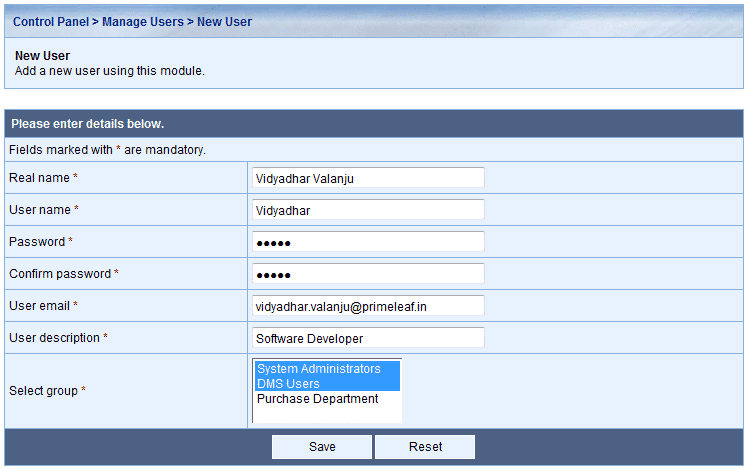
On installation only a default administrator user is available. After logging into KRYSTAL™ DMS the administrator can create new users via Control Panel.
Manage Users module of Control Panel allows administrators to create, delete, modify and search users along with tracking the access history of each user. Administrators can also change the password of all the users by clicking on the  icon.
icon.
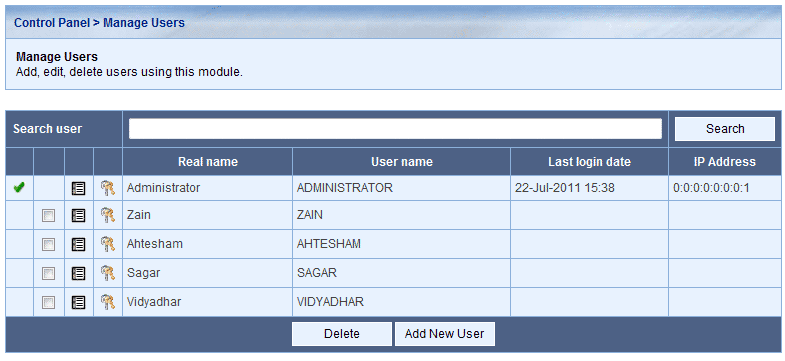
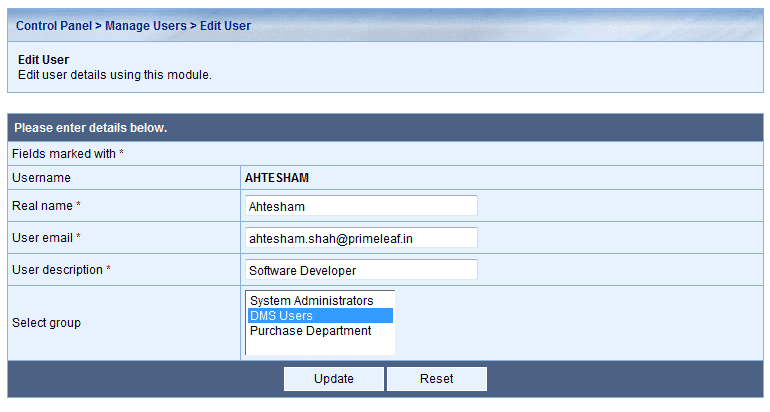
To modify details of a particular user, click on the username on the Manage User dialog